You are about to buy a DJI Mini 4 Pro and the checkout page asks which controller you want — the RC-N1 or the RC 2. The price difference is $130–200 depending on the combo, and every spec comparison you have read makes it sound like the RC 2 is objectively better. It is not that simple. The entire decision comes down to one question: do you fly in direct sunlight?
This article includes affiliate links. We may earn a commission at no extra cost to you.
I have flown both controllers on the same drone in the same conditions, and the difference between them is narrower than the YouTube reviewers make it sound — unless you are squinting at a washed-out phone screen at noon in July. Then it is night and day.
What You Are Actually Deciding — Screen vs No Screen
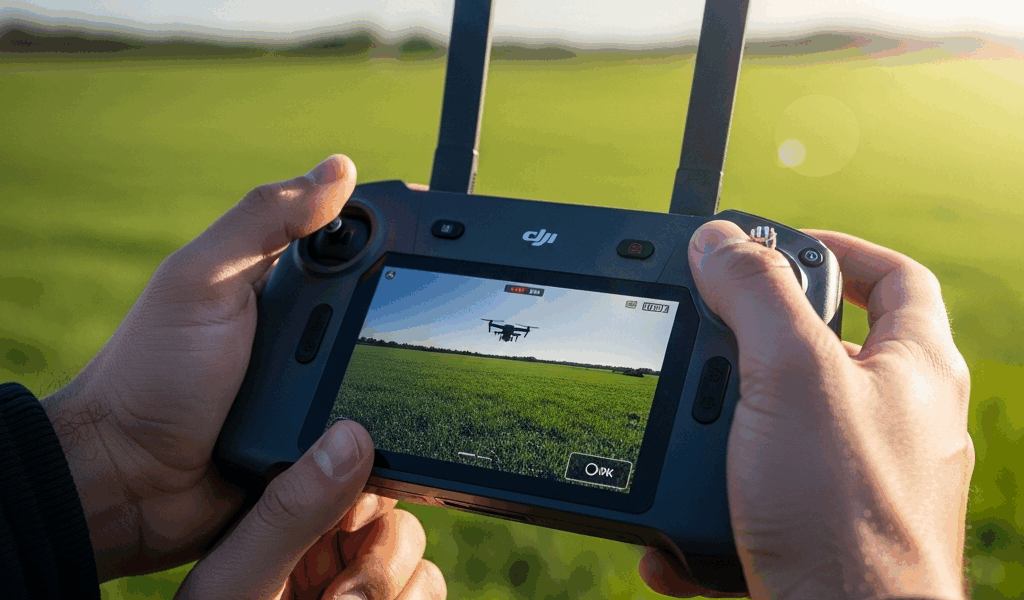
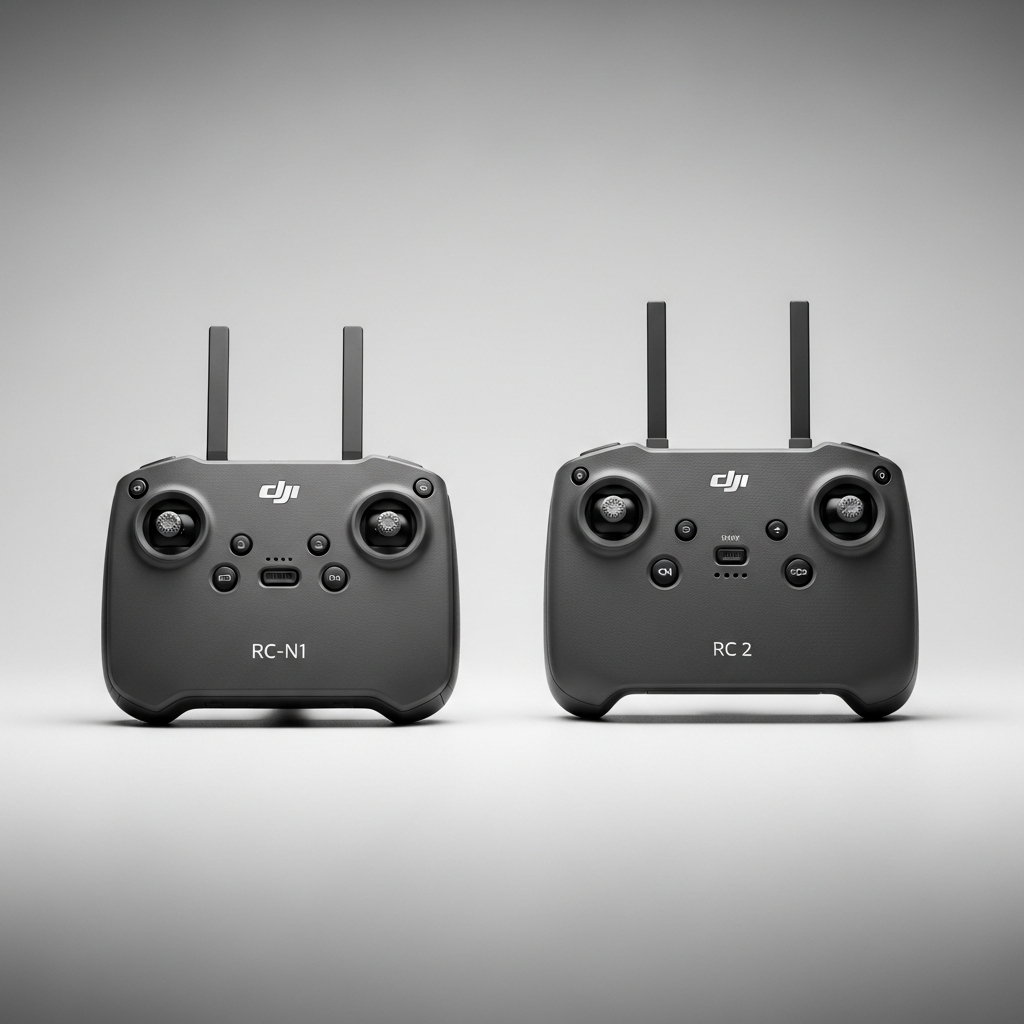
The RC-N1 uses your phone as the display. You clip your iPhone or Android into the controller, connect via USB-C or Lightning, and your phone screen shows the live video feed. The RC 2 has a built-in 5.5-inch screen rated at 1000 nits — bright enough to see clearly in direct sunlight.
That is the decision. Everything else — O4 transmission, max range, flight time — is essentially identical between the two controllers. Same signal, same range, same drone. The only variable that matters day-to-day is whether you can see your video feed while flying.
RC-N1 — The Right Choice for Most Beginners
The RC-N1 comes included in the base Mini 4 Pro package at no additional cost. Pair it with any recent iPhone or Android phone and you have a fully functional flight system within minutes of opening the box.
Phone screens work fine in shade and overcast conditions. An iPhone 15 Pro at full brightness is perfectly usable when the sun is not hitting the screen directly. The problems start when you are standing in an open field at midday with the sun overhead — phone screens max out around 1600–2000 nits on the brightest models, but the glare angle and reflections make them difficult to read even at full brightness.
Battery draw is worth noting. The RC-N1 pulls power from your phone — roughly 3–5% battery per minute of active flight. A 30-minute flight session can drain your phone by 90–150%. If you are out shooting for an hour across multiple batteries, bring a power bank or accept that your phone will be dead afterward.
The phone holder fits most phones with a case. I have used it with an iPhone 15 Pro Max in a slim case without issues. Bulkier cases might need to come off.
When the RC-N1 is the right call: you fly occasionally, mostly in shade or overcast, always have your phone on you, and would rather put the $130–200 toward extra batteries or ND filters instead of a built-in screen you might not need.
DJI RC 2 — The Right Choice for Serious Outdoor Flyers
The RC 2 adds $130–150 to the drone price. What you get: a 5.5-inch screen at 1000 nits that is genuinely readable in direct sunlight. I have flown with it at a beach in Florida with the sun directly overhead, and the feed was clear enough to compose shots and read telemetry data. Try that with a phone screen and you are cupping your hand over it like a cave.
The built-in battery runs independently of your phone — 3–4 hours of flight sessions without touching your phone battery. You can leave your phone in the car entirely if you want. Faster launch, fewer cables, less fumbling at the flight site.
Cold weather is the underrated use case for the RC 2. Phone batteries die rapidly in temperatures below 40 degrees Fahrenheit. The RC 2 battery handles cold better because the controller generates its own heat during operation. If you fly in winter months, this alone can justify the upgrade.
When the RC 2 is the right call: you fly regularly in bright daylight, you travel with the drone and want fewer devices to manage, you shoot in cold weather, or you are building a semi-professional workflow where screen reliability matters.
What the RC 2 Does NOT Include
A few surprises worth knowing before you order. The RC 2 does not come with a carrying case or bag — buy one separately or it is going in your backpack unprotected. Charging is USB-C, same as the RC-N1 — no wireless charging option.
Compatibility matters: the RC 2 works with the Mini 4 Pro and Mini 3 Pro. It does NOT work with the Mini 2 or Mini SE. If you are upgrading from an older Mini and keeping the old controller as a backup, check compatibility before assuming the RC 2 is a drop-in replacement.
The RC 2 requires a DJI account and internet connection for initial activation. After that first setup, it works offline. And there is no Fly More Combo that includes the RC 2 by default — you have to add it separately to any combo purchase, which is how the price difference sneaks up on people.
Price Breakdown and Where to Buy
Mini 4 Pro with RC-N1: $759 standard, $959 with the Fly More Combo. Mini 4 Pro with RC 2: $959 standard, $1,159 with the Fly More Combo. The gap is $200 at every price point.
My verdict: if you fly outdoors in sunlight more than half the time, the RC 2 premium is worth it. The difference between clearly seeing your video feed and squinting at a phone screen changes how you fly — you compose better shots, you react faster to obstacles, and you enjoy the experience more instead of fighting the display.
If you fly mostly in shade, overcast conditions, or indoors — the RC-N1 is not a compromise. It is the correct choice that saves you money for gear that actually improves your footage, like ND filters or a hard case. Do not upgrade the controller just because the internet says bigger is better. Upgrade it because your specific flying conditions demand it.


Stay in the loop
Get the latest light drones updates delivered to your inbox.