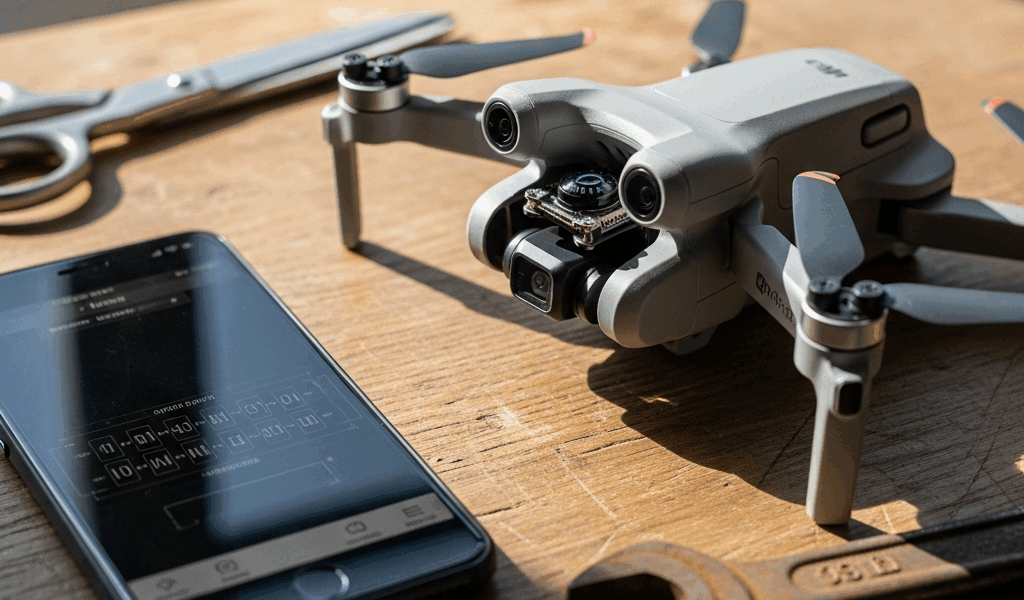
What a Compass Error on the Mini 4 Pro Actually Means
DJI Mini 4 Pro compass errors have gotten complicated with all the conflicting advice flying around forums. As someone who’s stood in a parking lot at 6 a.m. watching a flight window close, I’ve learned everything there is to know about this specific frustration. Today, I’ll share it all with you.
But what is a compass error, exactly? In essence, it’s the app telling you something is wrong with how your drone reads magnetic orientation. But it’s much more than that — there are actually two completely different messages that pilots lump together, and treating them the same way wastes serious time.
The first is an interference warning. The app detects magnetic noise nearby and tells you to move. The second is a calibration required message — the compass has drifted and needs realignment. They look similar. They are not the same fix. Know which one you’re dealing with and you’ll skip half the troubleshooting immediately.
Move Away From Interference Sources First
Probably should have opened with this section, honestly.
Before you tap anything in DJI Fly, move the drone. Interference warnings are environmental — metal structures, power lines, rebar-heavy concrete, parked vehicles. They create magnetic fields that scramble the Mini 4 Pro’s onboard compass completely. Calibration errors are different. Those are hardware-drift issues where readings have shifted over time and need resetting to baseline.
I once spent 20 minutes recalibrating inside a parking garage because I skimmed the warning. Don’t make my mistake. I should have just walked outside. The magnetic field in those structures is brutal — reinforced concrete, steel beams everywhere, vehicles on every level. The same problem shows up near:
- Metal rooftops and HVAC units
- High-voltage power lines or electrical substations
- Parked vehicles, especially large trucks or construction equipment
- Ground with heavy rebar — parking lots, building foundations
- Active electrical generators or welding equipment
Walk at least 10–15 meters away from any of those. Open grass works. Asphalt away from structures works. A quiet street works. Then open DJI Fly and reconnect. The error clears immediately about 70% of the time. If it doesn’t, then you’ve narrowed it to actual calibration drift — and now you know what you’re actually fixing.
How to Calibrate the Compass in DJI Fly
Connect the Mini 4 Pro and open DJI Fly. Tap the three-dot menu top right, then go Settings → Advanced Settings → Calibrate → Compass. Two rotations. That’s the whole process.
First rotation: hold the drone horizontally and spin it 360 degrees around the vertical axis. Think spinning a dinner plate. Do it slowly — one full rotation every 5–8 seconds. A circle fills in the app as you go. Hit 100%, move to step two.
Second rotation: tilt the nose down roughly 45 degrees and rotate 360 degrees again. Same pace. The app tracks this separately from the first. When both circles fill completely, you’re done.
Successful calibration shows a green checkmark and “Calibration Successful” in bold. Failures show red Xs or prompt you to try again. Fast rotation causes failures. Movement during the process causes failures. Return to open ground and repeat — sometimes it takes two attempts even under ideal conditions.
Here’s the detail that actually matters: calibrate outdoors, on flat stable ground. Not inside. Not on a table. Not in the car. I calibrated in my garage once and got repeated failures until I moved to the driveway. Maybe 15 feet of difference. The compass needs a clean magnetic environment to reset, and 15 feet was apparently enough to matter.
If Calibration Fails, Check the IMU Too
Frustrated by repeated calibration failures? Your compass error might not actually be a compass problem at all.
The IMU — Inertial Measurement Unit — is your drone’s motion sensor. It tracks orientation, rotation speed, direction of travel. When it drifts, compass readings go unreliable because the Mini 4 Pro can’t accurately orient itself in the first place. The two systems work together. A bad IMU baseline creates phantom compass errors that no amount of compass recalibration fixes. That’s what makes this pairing endearing to us pilots who’ve chased the wrong fix for an hour.
Check it in the same menu: Settings → Advanced Settings → Calibrate → IMU. Place the drone on a flat, level surface — a table, the ground, anywhere genuinely horizontal. Tap start and do not touch the drone. Takes about 30–45 seconds. The drone vibrates slightly. Let it finish completely.
If IMU calibration succeeds, go back and run compass calibration again. A fresh IMU baseline often lets the compass recalibrate cleanly on the first attempt. This new combination took off as standard advice several years after the Mini lineup launched and eventually evolved into the troubleshooting sequence enthusiasts know and follow today.
Still Getting the Error? Try These Last Steps
You’ve moved away from interference. You’ve recalibrated the compass twice. You’ve reset the IMU. Error persists. Here’s what’s left — and none of it is complicated.
Update firmware first. Go to Settings → System → Firmware Update. DJI pushes compass-related fixes regularly — this is a real, documented thing. If an update is sitting there, connect to Wi-Fi and install it now. Reboot the drone. Try again.
Clear the app cache. On iOS, delete and reinstall DJI Fly entirely. On Android, go to Settings → Apps → DJI Fly → Storage & Cache and clear both values. Reinstall if needed. Corrupted app data triggers phantom errors more often than DJI publicly admits.
Check for physical damage. Hard landing, dropped drone, any impact — internal compass components shift. Inspect for dents, cracks, anything loose. Compass errors after a crash are often a symptom, not the actual problem.
Contact DJI Support if nothing works. Visit support.dji.com, go to Service & Support → Repair & Return. The Mini 4 Pro carries a 1-year hardware warranty covering compass failure. Have your serial number ready — it’s printed on the battery or visible under device info in DJI Fly — and grab a screenshot of the error. Response time runs 24–48 hours typically.
Honestly, if you’ve reached this point, it’s hardware. Stop troubleshooting. Let DJI handle it. That’s what the warranty is for.
So, without further ado — move first, calibrate second, check the IMU third, update firmware fourth. That sequence alone resolves the overwhelming majority of Mini 4 Pro compass errors. Your flight window won’t wait, but random recalibration attempts waste more time than a methodical four-step run ever will.

Stay in the loop
Get the latest light drones updates delivered to your inbox.