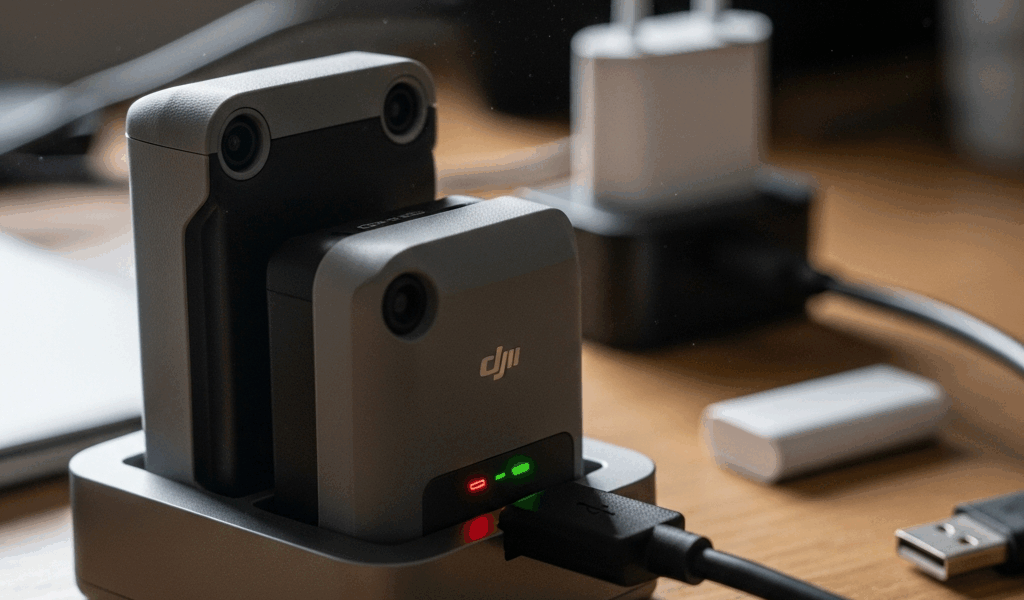
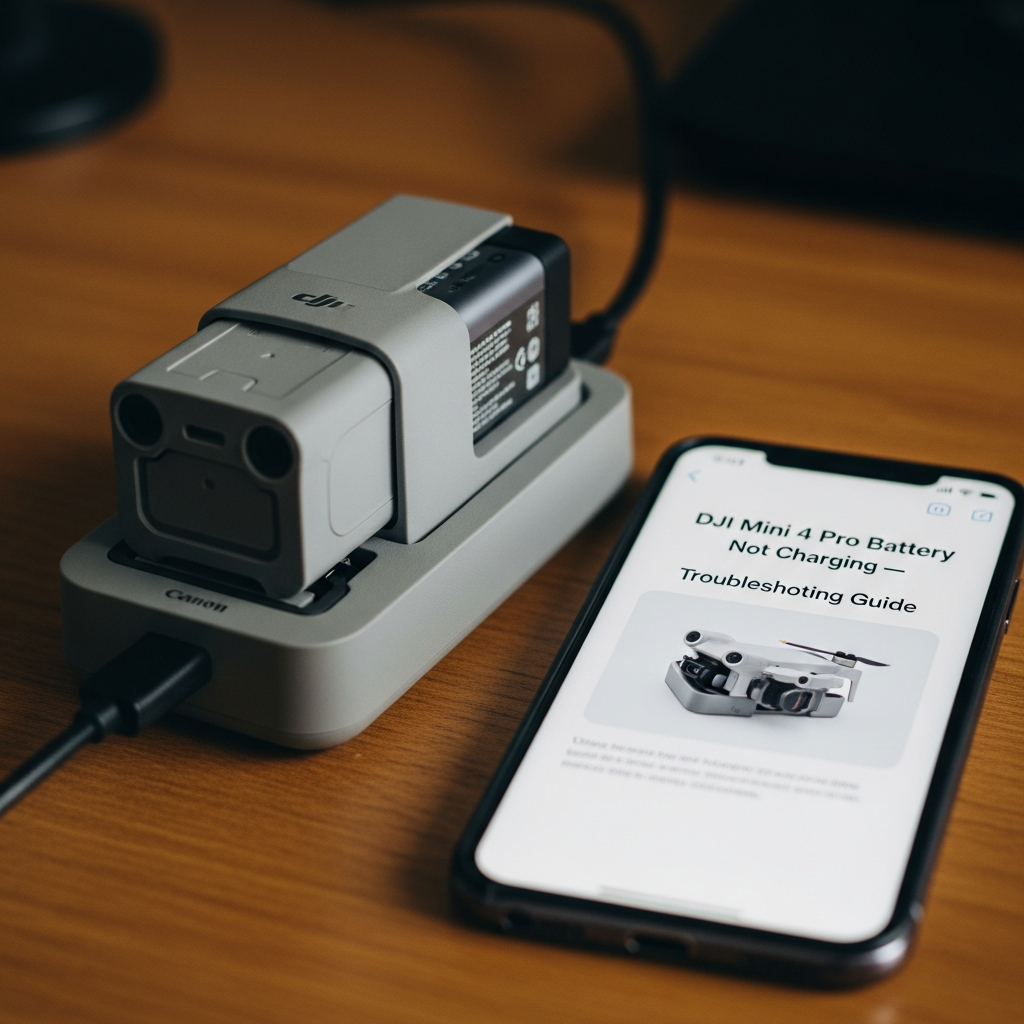
DJI Mini 4 Pro Battery Not Charging — Troubleshooting Guide
DJI Mini 4 Pro battery charging has gotten complicated with all the conflicting advice flying around online. As someone who’s stood at a trailhead at 7am with a dead drone and a shrinking light window, I learned everything there is to know about this specific problem the hard way. Last November, Joshua Tree. I’d plugged in the Intelligent Flight Battery the night before, woke up to a blinking LED pattern I’d never seen, and burned forty minutes hunched over my phone in the dark trying to figure out what went wrong. This guide is the resource I wish I had that morning — not a “restart your device” list, but an actual systematic walkthrough of every real cause.
This article includes affiliate links. We may earn a commission at no extra cost to you.
Quick Diagnostic — Is It the Battery, the Charger, or the Hub?
Before you assume the battery is toast, eliminate the obvious stuff. Five minutes. Saves you from buying a $79 replacement you don’t actually need.
Start by inserting the battery directly into the drone. Press the battery button once and watch the LED status lights. Any response at all — even one dim blink — means the battery has some function left. A completely unresponsive battery is a different situation than one that just won’t charge through the hub. Don’t treat them the same way.
Next, swap the USB-C cable. Frustrated by a charging failure on my second battery pack, I eventually traced the problem to a braided third-party cable I’d been using for months — it handled data transfer just fine but wasn’t pushing enough wattage to charge the Mini 4 Pro battery. DJI recommends a cable that supports at least 18W charging. Use the cable that shipped in the box, or a known-good 30W USB-C cable from Anker or Belkin. That’s it. No exotic solutions here.
Then swap the power adapter. A 5W phone charger will either charge the battery at a glacial pace or trigger a low-power protection cutoff entirely. You want a 30W minimum USB-C PD adapter. I use the Anker 521 Charger Nano Pro — about $16 on Amazon — and it’s never caused a problem.
If you have the Two-Way Charging Hub, test the battery in a different slot. Hubs can fail on a per-slot basis — that’s not obvious until you’ve seen it happen. A battery that won’t charge in slot two but charges fine after moving it to slot one tells you exactly where the fault is.
- Test the battery directly in the drone — check for any LED response
- Swap to a 30W+ USB-C PD cable and adapter
- Try a different slot on the charging hub
- Test a known-good battery in your current charger setup
Known-good battery charges fine, yours still doesn’t — the problem is your battery. Nothing charges at all — the problem is your cable, adapter, or hub. Work through it in that order.
Battery LED Blink Patterns and What They Mean
Probably should have opened with this section, honestly. The LED blink codes on the Mini 4 Pro Intelligent Flight Battery are specific — they tell you almost exactly what’s wrong — but DJI buries this information deep in the manual appendix where nobody looks until they’re already panicking.
The battery has four LED indicator lights. Here’s what the patterns mean during charging:
Normal Charging Behavior
Charging correctly looks like this — LEDs lighting up sequentially left to right, with the highest active LED blinking slowly. That’s normal. All four LEDs solid means fully charged. Simple enough.
Single Slow Blink (One LED)
One LED blinking slowly means the battery dropped below roughly 10% and is now in low-power recovery mode — trickle charging back to a safe level before full charging kicks in. This is normal behavior. Leave it plugged in for 15 to 20 minutes before normal charging speed resumes. Don’t unplug it thinking something’s wrong. That’s the mistake people make.
Rapid Blinking or Alternating Pattern
Rapid blinking across multiple LEDs is a fault code. Usually one of three things — a temperature fault, a cell imbalance issue, or a communication error between battery and charger. Disconnect everything, wait 20 minutes at room temperature, then try again. If the rapid blinking comes back every time you plug in, the battery has an internal fault and it’s not coming back from that.
No LED Response at All
Press the button. Nothing happens. Either the battery is in deep-discharge protection — which can sometimes be recovered — or you have a dead cell. The last section covers how to tell the difference.
Temperature-Related Charging Issues
But what is a BMS temperature cutoff, exactly? In essence, it’s the battery management system refusing to allow charging outside of safe temperature boundaries. But it’s much more than that — it’s also the reason your battery appears completely dead even when the cable, adapter, and hub are all working perfectly.
The Mini 4 Pro battery will not charge below 5°C (41°F) or above 40°C (104°F). Hard limits, no exceptions. The charger can be plugged in, the cable can be fine, and nothing will happen — no LEDs, no current flow, nothing — because the BMS cut everything off to protect the cells.
Winter catches people off guard more than any other scenario. You’ve been flying in 35°F weather, landed, and tried to charge immediately. The battery is still cold from the flight. It won’t charge. That’s what’s happening — not a dead battery, not a broken hub.
Fix is simple. Bring the battery indoors or into a warm car interior — not directly over a heating vent — and let it sit 20 to 30 minutes. Target temperature is 20°C to 35°C (68°F to 95°F). Don’t try to speed this up with a heat gun or hot water. I’ve seen people try this. It ends badly, and I mean that literally.
The summer version of this same problem is the hot car scenario. Left in a vehicle on a 90°F day, interior temps can hit 140°F or higher — well past the thermal cutoff. Same 30-minute wait applies. Same principle entirely.
Field tip that’s saved me more than once — I keep batteries in a soft neoprene pouch inside my pack during cold-weather shoots. Stays near body temperature. Eliminates cold-related charging delays before they start.
Firmware and Charging Hub Issues
This one caught me completely off guard. The Two-Way Charging Hub has its own firmware — separate from the drone — and outdated hub firmware has caused charging failures on multiple documented occasions across the DJI forum community. It’s not widely known.
Hub firmware updates through the DJI Fly app, but only when the hub is connected to the drone and the drone is connected to your phone through the app. It’s not intuitive at all. Here’s the process:
- Insert a battery into the drone and power it on
- Connect your phone to the drone via the DJI Fly app
- Connect the charging hub to the drone via USB-C
- Accept the firmware update prompt if one appears
- Wait for completion, then test charging again
There was a specific version — v01.01.0000, released in late 2023 — that caused intermittent charging failures where batteries in slots 2 and 3 showed zero charge activity while slot 1 worked fine. DJI pushed a patch shortly after. If your hub is still running that version, updating will likely resolve it immediately.
Check the DJI Fly app for pending drone firmware updates too. Battery communication protocols are part of the drone firmware — a mismatch between drone firmware and battery firmware versions can cause the drone to flag a battery as unrecognized, which shows up as a charging failure when the battery is in the hub and the hub is connected to the drone. Don’t make my mistake of ignoring the firmware update banner for three weeks.
When the Battery Is Dead — Replacement Cost and Where to Buy
If you’ve worked through everything above and nothing has changed, you’re likely looking at a dead cell or a failed battery management board. Here’s how to tell which one you’re dealing with.
Signs of Deep Discharge vs Dead Cell
A deeply discharged battery — one that’s been sitting at 0% for weeks or months — can sometimes be recovered. Plug it into the original DJI charger directly, not a hub, and leave it for two full hours. No LED response at all during that window means the cells are gone and recovery isn’t happening.
A battery with a dead cell usually shows partial LED response but won’t reach full charge — or it charges to 100% and drains to zero inside five minutes of flight. That’s a cell failure. Stop flying it immediately. An imbalanced LiPo pack is a legitimate fire risk. This isn’t exaggerated caution.
Replacement Cost and Where to Buy
The DJI Mini 4 Pro Intelligent Flight Battery (2590 mAh) is $79 from DJI’s website. The Intelligent Flight Battery Plus — 3850 mAh, roughly 45 minutes of flight time — is $99. Both are usually in stock at the DJI Store, Best Buy, and B&H Photo.
Third-party batteries might be the worst option here, as the Mini 4 Pro requires deep battery-drone communication to operate safely. That is because DJI firmware updates have repeatedly flagged unauthorized batteries as incompatible accessories — sometimes overnight, rendering them useless without warning. They also lack the integrated BMS that feeds cell health, temperature, and cycle count data to the drone. Without that data, the drone has no basis for safe landing decisions when power drops. A $35 knockoff is not worth crashing a $760 drone over.
Buy OEM. Register it in the DJI Fly app. Keep the receipt.
One last thing — if the battery is under 12 months old and failed outside of obvious physical damage, DJI’s warranty covers manufacturing defects on Intelligent Flight Batteries. Contact DJI support with your serial number before spending $79. I got a free replacement on a battery that failed at 11 months — four days, one email exchange. Apparently that’s all it takes. Worth trying first.


Stay in the loop
Get the latest light drones updates delivered to your inbox.