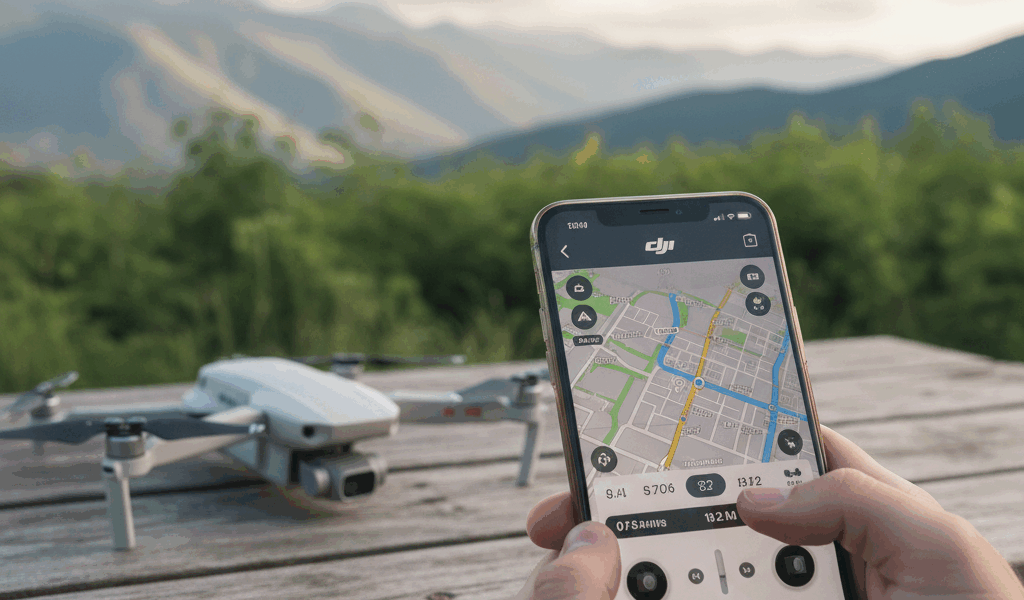
Drone apps have gotten complicated with all the options and subscriptions flying around these days. As someone who’s tried most of the major flight apps for sub-250g drones, I learned everything there is to know about which ones actually matter. Today, I’ll share what’s worth downloading and what you can skip.
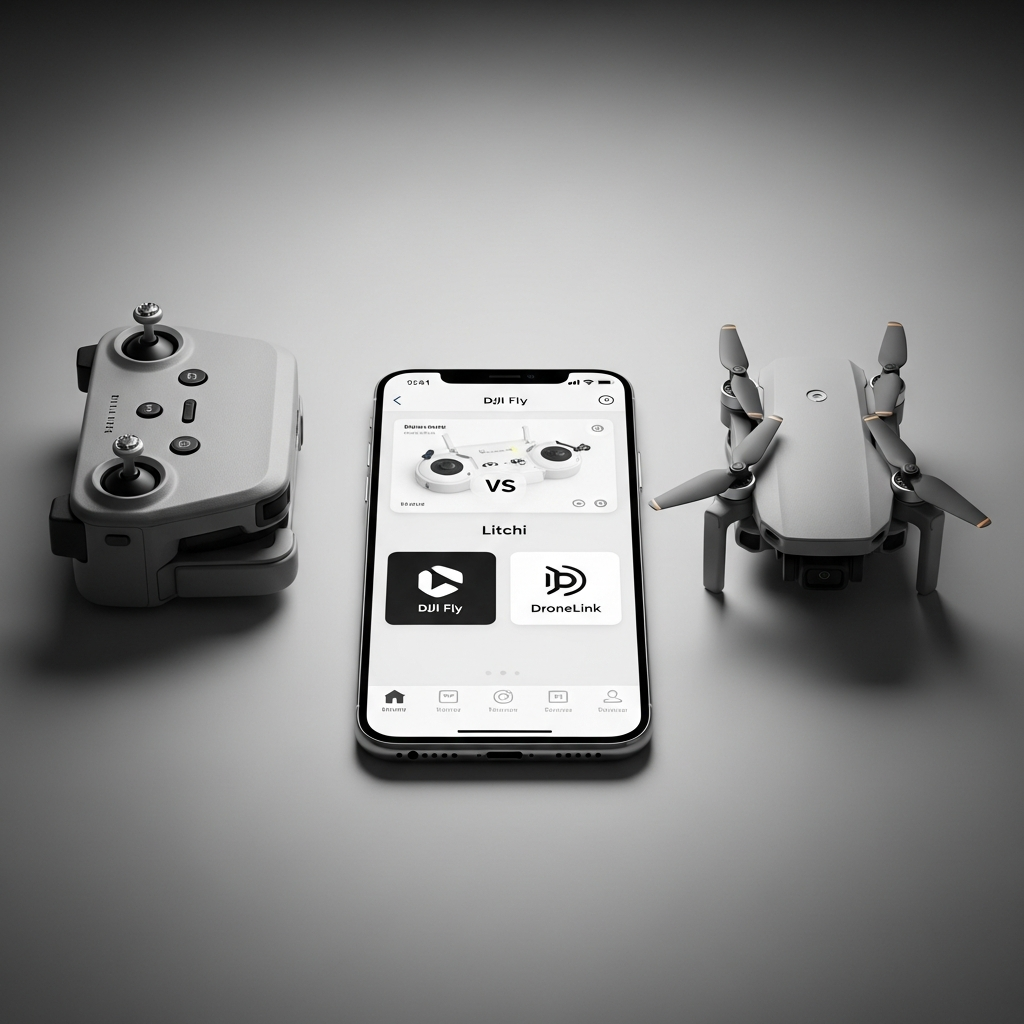
Here’s the thing: the smartphone running your drone matters almost as much as the drone itself. Flight apps transform phones into sophisticated ground stations with live video, telemetry, and control features that define the modern flying experience.
DJI Fly: Start Here
DJI Fly serves as the official companion for DJI Mini series drones, and for most recreational pilots, it’s all you need. Clean interface, deep hardware integration, and it just works without fighting you.
Core features include live HD video feed, flight telemetry display, camera control, and intelligent flight modes. QuickShots automate complex maneuvers — Dronie, Helix, Rocket — with single-tap activation. That’s what makes DJI Fly endearing to us casual pilots: professional-looking shots without professional-level stick skills.
Flight recording and basic editing happen within the app. Trim clips, apply simple filters, share directly to social platforms without switching apps. The workflow suits content creators who want quick turnaround.
Probably should have led with this: DJI Fly lacks advanced waypoint mission planning and has restricted offline functionality. Pilots needing sophisticated autonomous features must look elsewhere. But for recreational flying and casual content creation, it handles most needs competently.
Litchi: When You Need Real Automation
Litchi transforms DJI drones into capable autonomous platforms with sophisticated waypoint mission planning. The app enables complex flight paths that are impossible — or at least impractical — through manual piloting.
The mission hub allows desktop planning of waypoint routes, then exports missions to mobile devices for field execution. This workflow suits professional applications requiring repeatable flight paths: surveying, inspection work, planned cinematography where you need the exact same shot multiple times.
Orbit, Focus, and VR modes expand creative options well beyond DJI Fly’s intelligent flights. The feature depth exceeds stock applications significantly for pilots willing to invest the learning time.
Critical compatibility note: Litchi requires RC-N1 or similar phone-based controllers. The DJI RC with integrated screen cannot run Litchi. If you bought the RC combo thinking you’d use third-party apps later, you’re stuck with DJI’s ecosystem.
Dronelink: Professional Mission Planning
Dronelink offers browser-based mission planning with powerful automation features. Complex multi-waypoint missions including terrain following and detailed camera control distinguish this platform from simpler alternatives.
The web-based planner works across devices without installing desktop software. Plan missions on any computer, sync to your mobile device, execute in the field. This flexibility suits teams and professional workflows where multiple people touch the same flight plans.
Subscription pricing applies to advanced features, though basic functionality remains free. Professional users find the cost reasonable; casual pilots may prefer free alternatives like Litchi for simpler needs.
Survey and mapping features support commercial applications. Grid-based flight patterns for photogrammetry and structured inspection routes suit industrial drone work where repeatability matters.
AirData UAV: Know Your Fleet
AirData analyzes flight logs to reveal patterns, track equipment health, and document flight history. While not a flying app itself, integration with flight data provides insights you won’t get anywhere else.
Flight logs upload automatically or manually, generating detailed analysis of each session. Battery health tracking identifies degrading cells before they fail mid-flight. Equipment usage logs support maintenance scheduling before problems become emergencies.
Regulatory compliance features help pilots document operations for professional purposes. Flight logs, pilot certificates, and equipment records organize within single dashboard access — useful if you ever need to prove where and when you flew.
Free tiers offer basic functionality with premium subscriptions unlocking advanced analytics. Most recreational pilots find free features adequate; commercial operators benefit from premium capabilities.
B4UFLY: Know Before You Go
B4UFLY provides authoritative airspace information from FAA sources. Before flying anywhere unfamiliar, checking B4UFLY reveals restrictions, authorization requirements, and potential hazards you might not know about.
The app maps controlled airspace, temporary flight restrictions, and local regulations affecting drone operations. Color-coded displays show where flying is permitted, restricted, or prohibited. Simple enough that you should check every time you fly somewhere new.
LAANC integration enables automated authorization for flights in controlled airspace. Eligible locations allow instant approval through the app, eliminating traditional waiver processes for recreational pilots who want to fly near airports.
No flight controls or video features — B4UFLY strictly informs rather than operates. Use alongside your primary flight app rather than as a replacement.
Aloft: Airspace Plus Logging
Aloft (formerly Kittyhawk) combines airspace awareness with flight logging and planning features. The integrated approach suits pilots wanting single-app solutions for pre-flight planning and documentation.
Airspace information rivals B4UFLY’s FAA data with additional commercial drone features. Enterprise pricing provides fleet management and operational compliance tools for professional users who manage multiple pilots and aircraft.
Real-time weather data helps assess flight conditions beyond simple forecasts. Wind speed, visibility, and precipitation layers inform go/no-go decisions before reaching launch sites. Better to know conditions before driving an hour to find unflyable weather.
Free recreational features cover basic needs while commercial subscriptions unlock advanced capabilities. Most sub-250g pilots find free tiers adequate for personal flying.
Flightradar24: What’s Flying Around You
Flightradar24 displays real-time air traffic, helping pilots understand airspace activity around their locations. While not specifically a drone app, traffic awareness supports safe operations and is worth having on your phone.
See manned aircraft approaching your area before they become conflict concerns. Helicopter traffic, low-flying aircraft, and nearby airport activity become visible with quick app checks. Knowledge is power when you’re sharing airspace.
This traffic awareness supplements rather than replaces visual observation requirements. Never assume app data captures all traffic — always maintain visual awareness during flights. But it’s helpful context.
Weather Apps for Drone Pilots
Dedicated weather apps provide more detailed forecasting than built-in drone app features. Wind speed, gust predictions, and condition changes affect both flight safety and video quality.
UAV Forecast specializes in drone-relevant weather presentation. Wind at altitude, visibility conditions, and GPS satellite status help plan successful sessions. Knowing wind will be 15mph at ground level but 25mph at 300 feet changes everything.
Windy.com offers detailed wind visualizations at various altitudes. Understanding wind patterns before arriving at launch sites prevents wasted trips to unflyable conditions — I’ve learned that lesson the hard way.
Photo and Video Editing
Captured footage benefits from post-processing apps that enhance results beyond in-camera quality. Mobile editing enables quick turnaround while desktop applications offer deeper control.
LumaFusion provides desktop-class video editing on iOS devices. The investment suits pilots creating polished content from Mini drone footage who want to edit on location.
CapCut offers powerful free editing with templates optimized for social media formats. Quick edits for Instagram or TikTok process efficiently through this accessible app without spending money.
Lightroom Mobile handles photo processing with professional tools. RAW support maximizes quality from drone cameras that support DNG capture, which more Mini models now include.
Building Your App Stack
Most pilots settle into personalized app combinations matching their flying styles. Recreational pilots might use only DJI Fly and B4UFLY. Content creators add editing apps. Professional users integrate mission planning and logging tools.
Start with DJI Fly for basic familiarity, adding specialized apps as specific needs emerge. The best app stack reflects actual usage patterns rather than theoretical feature lists you’ll never touch.
Keep apps updated to maintain drone compatibility. DJI particularly requires current app versions for new firmware compatibility — outdated apps may prevent flights until updated, which is not what you want to discover at a scenic location.

Stay in the loop
Get the latest light drones updates delivered to your inbox.